What's New in version 3.0
Most important changes in this version include:
Page tagging / hybrid analysis (Pro version only)
One of most important additions is page tagging feature (so-called "hybrid" analysis). Basically, major drawback of using log analyzers instead of script-based analytics is eliminated now, while keeping all benefits. In addition, by using Web Log Storming's scripts, there is no contact to third-parties - all data stays on your server and your website loading speed won't be affected much, almost not at all.
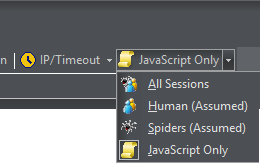
- Better visitor and spider detection
- Additional reports such are: Cookie IDs, Screen Resolutions and more accurate Time Spent report
- Script is hosted on your server
- No additional databases - data is kept in regular server log file
- Other than uploading script and including one line on your pages, no additional configuration is required
Using this feature is recommended, as there is no much reason not to, but not mandatory. If you don't use it, Web Log Storming will continue working as with previous versions.
Redesigned reports
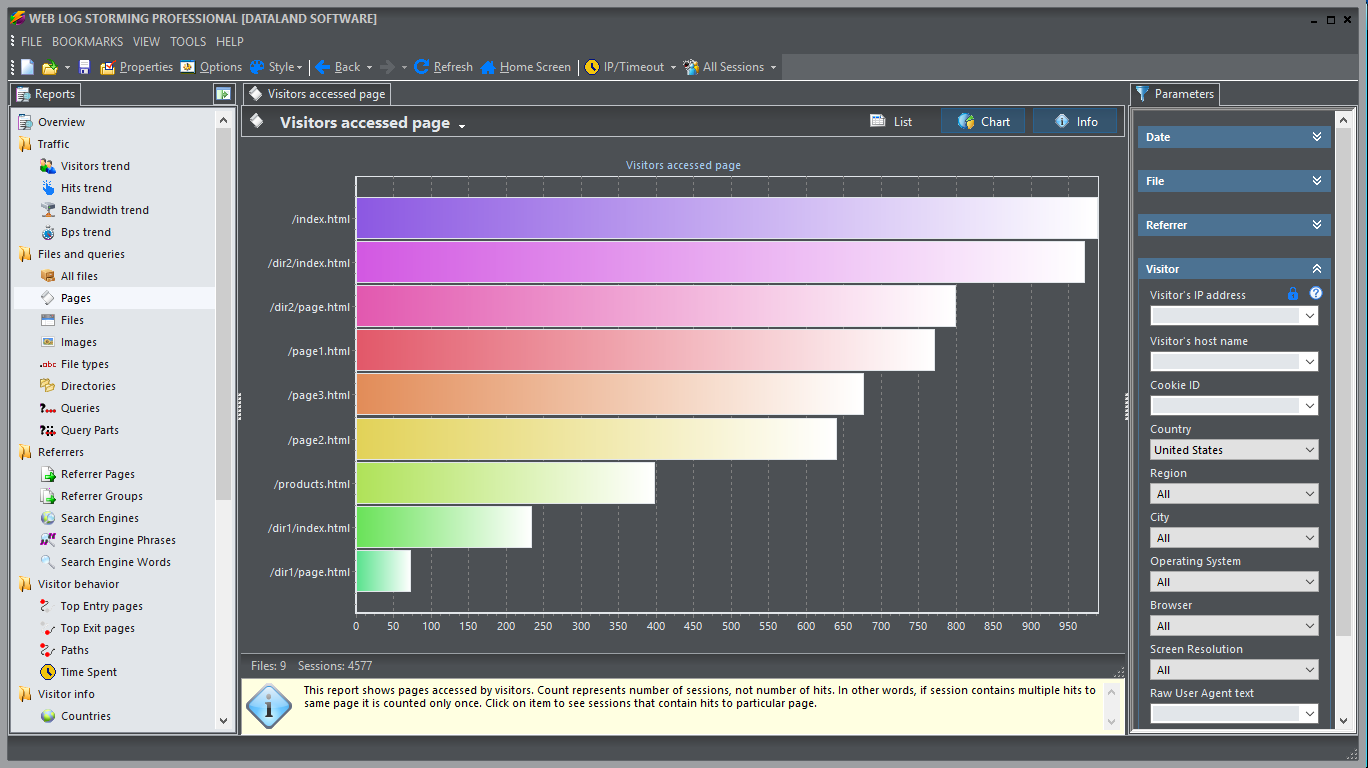
All reports now have both, list and chart representations and consistent right-click menus.
- You are able to see any list report as chart now (as pies or as horizontal bars, depending on report)
- Old Pie reports became both list and chart reports
- Old Trend reports are also presented as a sortable lists, with additional columns for averages and goals
New reports
- Query Parts
- Time Spent
- Cookie IDs (Pro only, page tagging required)
- Screen Resolutions (Pro only, page tagging required)
Additional browsing capability
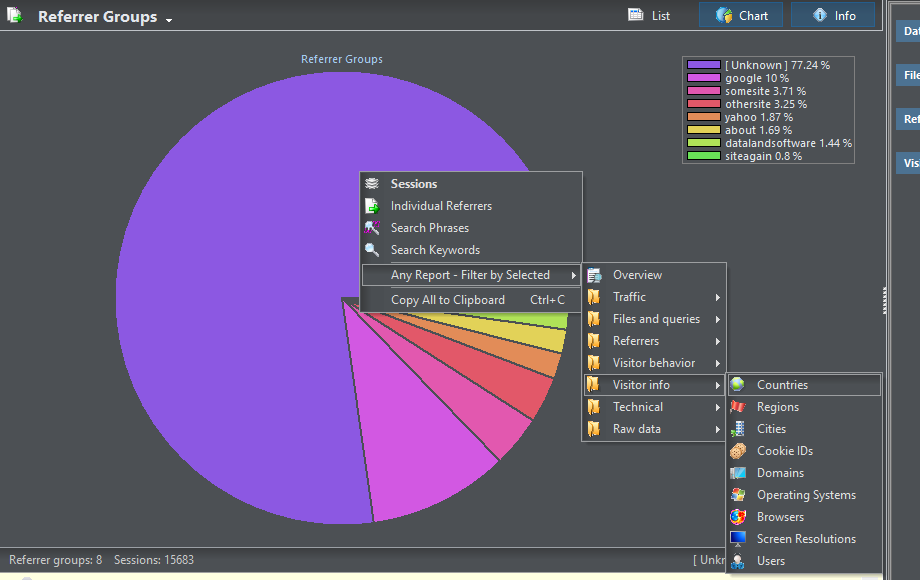
How many times you clicked on item in report to get related sessions, then immediately right-click on left-hand report tree and choose "Keep parameters and select", to see another report based on selected item? (If you didn't, you are seriously missing one of unique features of Web Log Storming.) You will be happy to hear that, from the next version, you can do the same by right-clicking on list item (or bar or pie slice) and choose any of available reports or bookmarks directly.
Log File Caching
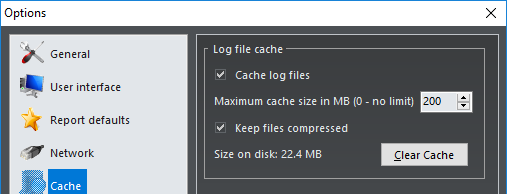
Parsed data can now be saved to cache files, so the next reading is faster. If used, naturally, the first reading will be slower, a bit more if you decide to keep cache compressed. Each user should decide which option combination works best.
Optimized code and other changes
In the process, we've re-inspected and changed lot of program code, keeping in mind typical hardware differences compared to years back. As a result, some parts of underlying analysis routines are better optimized, faster and more stable. There is more other small and medium improvements such are optional limiting export data to current parameters, support for IPv6, updated IP-to-location, browsers, operating systems, nicer exported reports etc.
If you have any problems or suggestions, please let us know.